Fiber Optic HDMI 2.2 vs HDMI 2.1 Explained: Architecture, eARC Truth and Buying Guide from 48Gbps to 96Gbps
2026-09-14
Introduction | After the release of HDMI 2.2, "doubled bandwidth" has become the hottest marketing phrase, yet many people do not understand what architectural changes lie behind the doubling, nor which capabilities have not been upgraded. Based on the official HDMI Forum specification, this article provides a complete breakdown covering core specifications, fiber optic transmission principles, FRL 3.0 architecture, eARC audio facts, common buying myths, and scenario-based recommendations to help you make informed decisions before cabling or upgrading.
1. Core Specification Comparison: Upgrades Focus on Video and Sync
Many assume HDMI 2.2 is an across-the-board upgrade, but in reality the improvements concentrate on video bandwidth and lip-sync, while the eARC audio return specification remains unchanged. Total bandwidth increases from 48Gbps to 96Gbps, signaling advances from FRL single-lane maximum of 12Gbps to FRL 3.0 single-lane maximum of 24Gbps; the encoding scheme stays at 16b/18b (approximately 88.8% efficiency), maintaining ecosystem compatibility.
Resolution and refresh rate: 8K rises from 8K@60Hz to 8K@240Hz 4:4:4 (4x refresh rate), 4K moves from 4K@120Hz 4:4:4 to 4K@240Hz 4:4:4 / 4K@480Hz; color depth support expands from partial 10bit/12bit modes to full-chroma 10bit/12bit 4:4:4; maximum resolution support reaches 16K@60Hz / 12K@120Hz.
Audio and sync: eARC audio return is identical across both generations (approximately 37Mbps, up to 32 channels, supporting Dolby Atmos / DTS:X); HDMI 2.2 introduces the LIP Latency Indication Protocol for automatic lip-sync. Cable certification upgrades from Ultra High Speed HDMI to Ultra96 HDMI; typical fiber optic transmission distance is 30-100 meters (at 8K@60Hz), with 2.2 distances depending on vendor implementation; backward compatible with 2.1/2.0/1.4.
2. How Fiber Optic HDMI Works: Why Long Runs Require Fiber
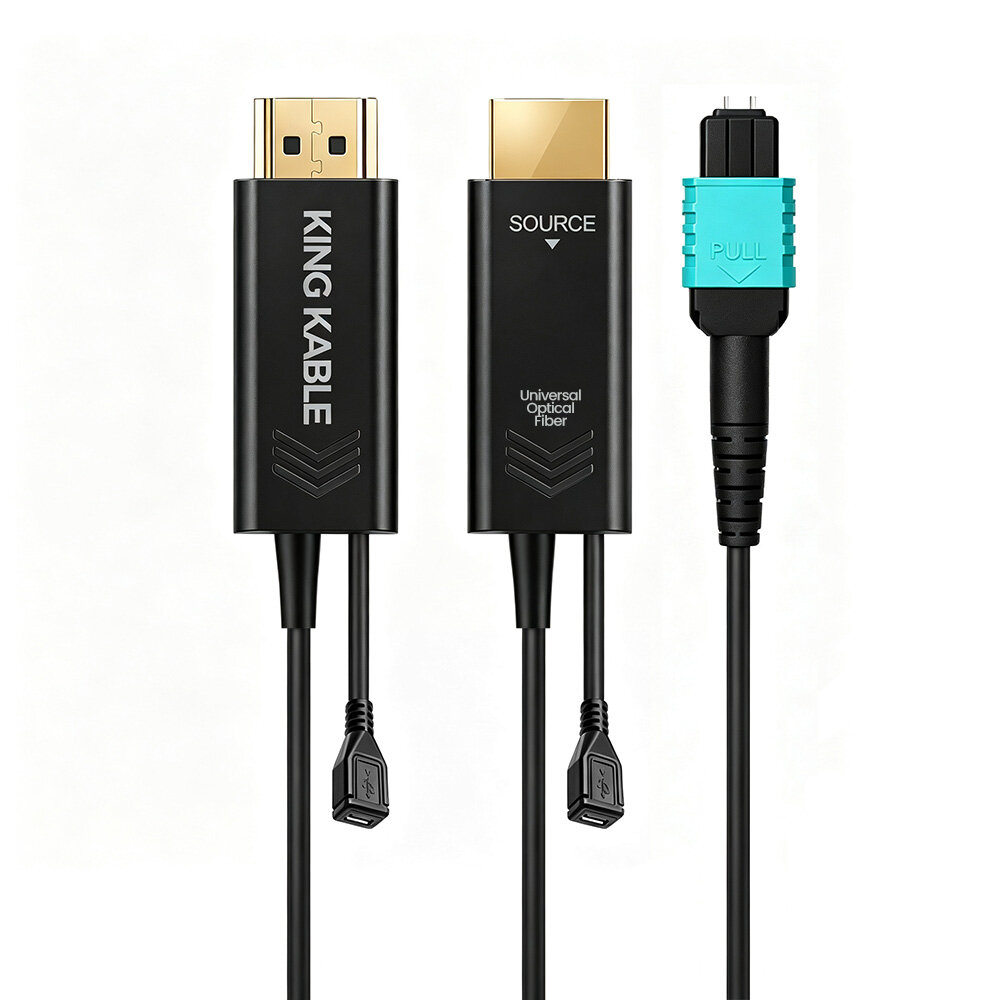
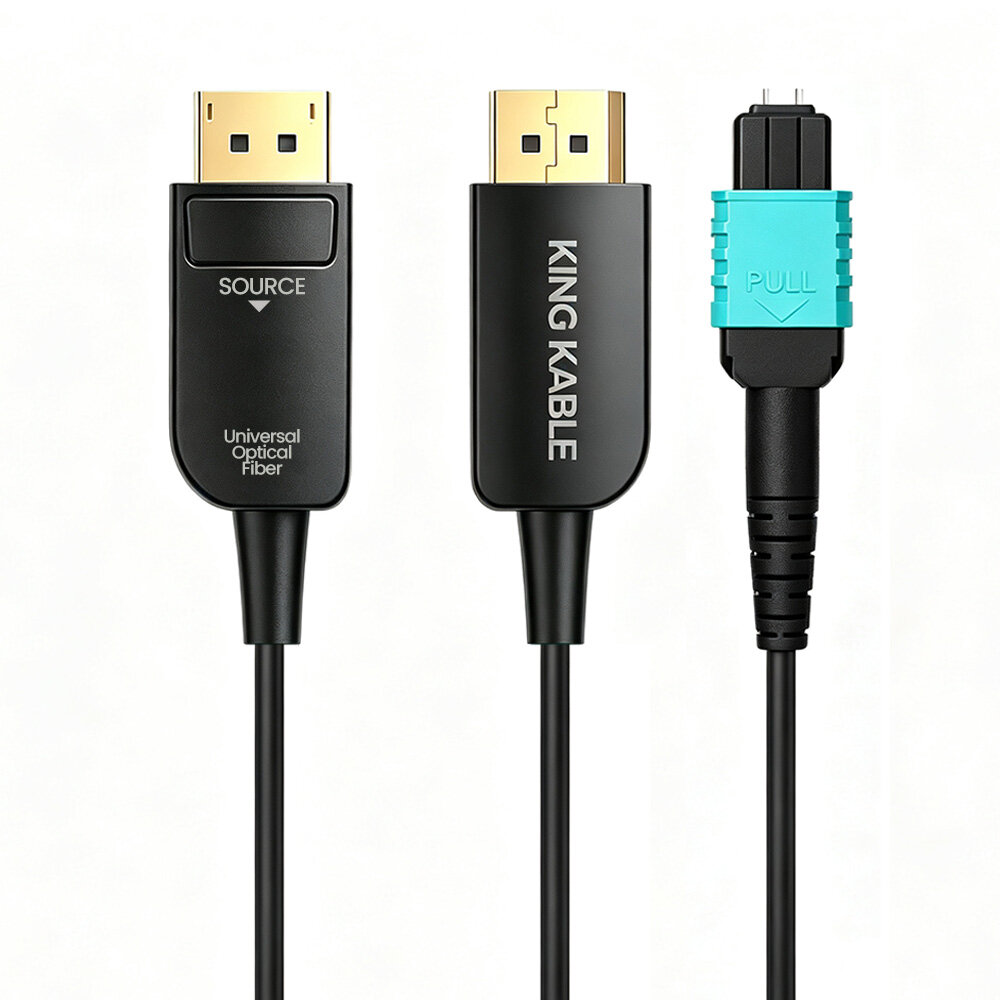
A fiber optic HDMI cable (Active Optical Cable, or AOC) embeds electro-optical conversion modules at both ends with optical fiber in between. It looks similar to a standard HDMI cable and is plug-and-play without additional transmitters or receivers. At the source end, electrical signals entering the connector drive a VCSEL (Vertical-Cavity Surface-Emitting Laser) to modulate light signals that travel through multimode fiber with low loss and complete immunity to electromagnetic interference; at the display end, a PIN photodiode converts light back to electrical signals, then a CDR (Clock Data Recovery) chip reshapes the output.
The entire process involves no compression, no buffering, and no codec processing. Signals travel at the speed of light with microsecond-level latency that is effectively negligible.
Four key advantages of fiber over copper: Lossless long-distance transmission — Copper cables suffer severe attenuation at high frequencies; 48Gbps 8K signals over copper beyond 2-3 meters often cause black screens or flickering, while fiber maintains signal integrity at 50 or even 100 meters. Standard copper HDMI 2.1 cables are effective up to about 3 meters, whereas fiber solutions can reach 100-300 meters. Inherent EMI immunity — Running through motor rooms, high-voltage shafts, ballasts, and other interference sources causes zero impact; electrical isolation at both ends eliminates ground loop noise, allowing shared conduit with power lines. Lightweight and easy installation — Cable diameter is typically 4-6mm, weighing only a fraction of equivalent-length copper cables, making conduit threading and ceiling routing much easier.
Three limitations to note: Directionality — The two ends cannot be swapped; the Source end connects to the player/host and the Sink end connects to the display/projector; reversed connection yields no signal. Power requirement — The electro-optical conversion chips draw power from the HDMI port; some low-power devices may not supply enough current. Non-repairable — Once the fiber core is damaged, the entire cable must be replaced.
3. Deep Technical Analysis: Where Does 96Gbps Come From?
The 96Gbps of HDMI 2.2 is not simply doubling the clock frequency. It is achieved through FRL 3.0 architecture, more advanced equalization, and encoding optimization. FRL single-lane rate increases from a maximum of 12Gbps to 24Gbps/color, totaling 96Gbps across four lanes; encoding remains 16b/18b, relying on finer physical-layer design — more granular DFE (Decision Feedback Equalization, multi-step adjustable at 0/5/10/15/20/25mV) and more levels of FFE (Feed-Forward Equalization, 0-7 taps) — enabling the receiver to correctly interpret zeros and ones at higher frequencies. NRZ transmission is retained rather than shifting to PAM modulation, ensuring compatibility with the existing ecosystem. CTLE gain settings adjust from 1-8dB to 0-8dB, extending typical full-performance copper cable distance from approximately 2-3 meters to about 5 meters.
The tangible benefit of doubled bandwidth is a comprehensive leap in resolution and refresh rate: support for 16K@60Hz, 12K@120Hz, 8K@240Hz, 4K@240Hz (4:4:4 full chroma 10/12bit), and even 4K@480Hz. These specifications target not only consumer 8K TVs but also AR/VR headsets, professional monitors, medical imaging, and machine vision applications, while leaving headroom for future HDR formats, high-frame-rate gaming, and immersive content.
LIP Latency Indication Protocol: Solving Lip-Sync Issues. In complex signal chains such as player → AV receiver → TV + eARC soundbar, audio and video traverse different paths with varying delays, causing lip-sync mismatches. LIP enables devices to report their individual processing latencies so the source device can apply unified compensation for precise synchronization. Typical scenarios include TV + soundbar combinations, AV receiver multi-source switching, game mode vs. cinema mode transitions, digital signage, and post-production review monitors where timing accuracy matters.
4. eARC Audio Truth: Identical Specs Across Both Generations
This is the most commonly misrepresented aspect. Many marketing materials present "eARC 2.0" and "32-channel lossless audio" as new HDMI 2.2 features, but these capabilities already existed in HDMI 2.1: eARC bandwidth of approximately 37Mbps, up to 32 channels of uncompressed audio, PCM 8-channel 192kHz/24bit, support for Dolby TrueHD / Dolby Atmos / Dolby Digital Plus and DTS-HD MA / DTS:X — identical across both generations.
Key clarification: There is no such thing as "eARC 2.0"; claims of "32 channels" or "doubled audio bandwidth" are not HDMI 2.2 audio upgrades. HDMI 1.4 only had ARC (approximately 1Mbps); eARC was introduced in 2.1. The sole audio-related improvement in HDMI 2.2 is enhanced lip-sync reliability via the LIP protocol/color, not increased audio transmission capability.
5. Common Myths and Pitfalls to Avoid
Myth 1: "HDMI 2.2 eARC 2.0 supports 32 channels, double the 16 channels of 2.1" — Incorrect, a typical marketing claim. eARC has supported up to 32 channels of uncompressed audio since 2.1; "eARC 1.4" is also a nonexistent concept. Correct understanding: eARC transmission capability is identical across both generations (37Mbps / up to 32 channels); the only audio contribution of 2.2 is the LIP latency protocol.
Myth 2: "Fiber cables are always better than copper; more expensive means better picture quality" — Half right, half wrong. HDMI transmits digital signals; when specifications are met, picture quality is identical regardless of cable price — digital signals either pass or fail. Fiber's advantage lies in long-distance and EMI immunity: at 1-2 meters, a compliant copper cable can handle 48Gbps or even 96Gbps; high-bandwidth transmission beyond 5 meters is where fiber truly excels.
Myth 3: "Buying an HDMI 2.2 cable guarantees 96Gbps" — Not necessarily. Achieving 96Gbps requires the entire chain — source, cable, and display — to support HDMI 2.2. If any link only supports 2.1, it falls back to 48Gbps. Consumer devices supporting 2.2 are still rare; pre-wiring for the future is fine, but swapping cables does not instantly unlock 96Gbps.
Myth 4: "Fiber optic HDMI cables work in either direction" — Incorrect. Most AOC fiber cables are directional: the Source end (electrical-to-optical transmitter) connects to the player/host, and the Display/Sink end (optical-to-electrical receiver) connects to the TV/projector. Reversed connection produces no signal; pay close attention to direction during in-wall installation.
Myth 5: "Fiber cables have higher latency than copper" — Virtually imperceptible. Light travels through 100 meters of fiber in approximately 0.5 microseconds; including chip processing at both ends, total latency is only a few microseconds. Compared to a 60Hz display's 16.6ms (16,600 microseconds) frame period, this is negligible. What truly affects latency is the display's own processing time; gamers should focus on the TV's Game Mode and ALLM functionality instead.
6. Buying Recommendations and Scenario Solutions
Home mainstream: Fiber optic HDMI 2.1 (48Gbps) — Suitable for typical home theater users and gamers (PS5/Xbox consoles, 4K 120Hz TVs). 48Gbps fully covers 4K@120Hz and 8K@60Hz mainstream needs; eARC fully supports Dolby Atmos and DTS:X. Cost-effective and market-mature, sufficient for 5-8 years of use.
High-end AV: Fiber optic HDMI 2.2 Ultra96 — Ideal for high-end home theater enthusiasts, 8K TV owners, and scenarios where in-wall cables are difficult to replace. Full 96Gbps bandwidth ensures long-term relevance in a single installation, supporting future 8K@240Hz, 12K@120Hz, and other high-specification content. The LIP protocol improves multi-device lip-sync, and Ultra96 certification guarantees performance compliance.
Professional commercial: Professional-grade fiber solutions — Designed for command centers, broadcast studios, medical imaging, large-scale exhibitions, sports venues, and other engineering scenarios. For distances exceeding 50 meters, consider armored fiber or pure optical splicable solutions; prioritize stability, tensile strength, temperature resistance, and EMI immunity as engineering metrics; choose professional-grade brands with comprehensive after-sales support; conduct link testing in advance for projects spanning hundreds of meters. To explore KING KABLE's professional fiber optic HDMI solutions, visit the Fiber Optic HDMI Cable Product Series or Contact Us for Selection Advice.
Buying Decision Checklist: 1. Is the transmission distance over 5 meters? Choose fiber for long runs; copper suffices for short distances. 2. Do your devices support HDMI 2.2? Only choose 2.2 if the entire chain supports it; otherwise 2.1 is sufficient. 3. Will the cable be installed in-wall? Pre-wire with higher specifications (2.2) to avoid costly future replacement. 4. Do you have a complex multi-device AV system? If so, consider the lip-sync improvement offered by the LIP protocol. 5. Is your budget sufficient? Choose 2.2 if budget allows; choose 2.1 for best value.
References: HDMI Forum Official HDMI 2.2 Specification Technical Overview and eARC Official Documentation, HDMI 2.2 Specification Overview (June 2025 Edition), Cinemaconfig eARC Technical Analysis, Unigraf White Paper "HDMI 2.1 & Beyond: FRL and Link Training".